K-Sim Instructor System
Complete control of monitoring, assessment, and debriefing—made easy
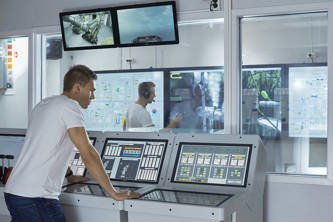
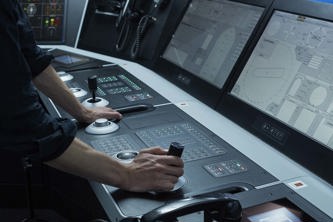
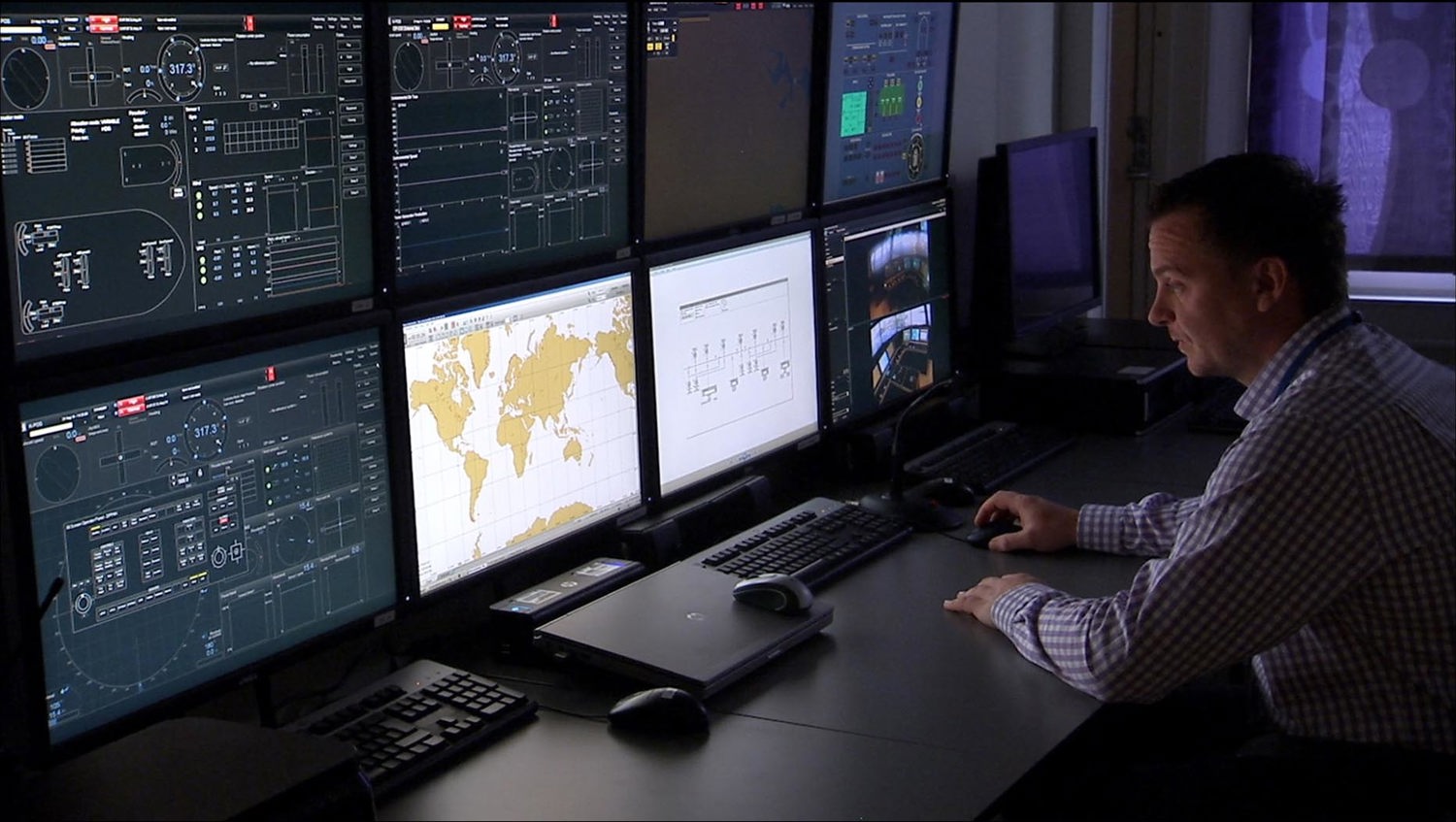
The K-Sim Instructor System is designed with the user experience at its core, providing instructors with a powerful, efficient, and intuitive platform for designing, controlling, and assessing customised training exercises for individuals and teams.
Key features
- Fully integrated instructor station with the students training stations, either as a stand-alone, or connected with several instructor and student stations for team training
- Flexible customisation of menus and pages to tailor the user interface and enhance the overall user experience
- Intuitive drag‑and‑drop functionality for selecting all exercise variables
- Configuration of the student stations, allowing instructors to define exactly which information is accessible and visible
- Full control of simulator behaviour based on defined variables and malfunctions, which can be initiated instantaneously, or preprogrammed as part of the exercise
- Built‑in guidance and feedback to the students through triggers and e‑coach messages, which can be delivered automatically during the exercise
- Recording of all exercise activities supporting assessment, review and debreif
Additional features for K-Sim Navigation/Offshore/Fishery:
- Easy‑to‑use route preparation and validation for efficient exercise setup
- Modified ECDIS chart used as a starting point for simple and accurate creation of exercise geographical areas
- Advanced Seagen GIS (Geographical Information System) tool enabling third‑party data import of currents, tides, waves, and wind for maximum realism
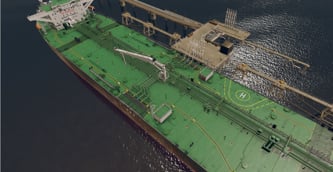
- Underwater view for observing hull and seabed interaction, as well as chains, wires, and anchors

Assessment and debriefing
Review and debrief sessions can include replaying selected segments or the entire exercise, allowing instructors to focus on specific learning objectives and performance outcomes.
Unique "resume" functionalty
A unique ‘resume’ feature allows any exercise to bepaused, resumed, or rewound at any time. If a student encounters difficulties, the instructor can pause the simulation to provide immediate guidance, continue, or return to an earlier point in time to replay and reinforce critical operations.
Connect with our experts
Still have questions? Let us help find the right simulator solution for your needs.